

DialerBee describes AI voice operation on live Arabic and English calls, including Gulf, Levantine and Egyptian Arabic handling. Performance for your dialects, names, business terms and audio conditions should be tested in a guided demonstration.
Language coverage is more than a language count
A translated interface, a transcription language and an autonomous spoken conversation are different capabilities. DialerBee advertises interfaces and transcription in 11 languages, while Arabic and English are the languages described as used on live AI calls. Evaluate other voice languages before making a deployment commitment.

Build an acceptance pack around real customer speech
Include common local names, place names, dates, service descriptions and abbreviations. Test a caller who switches from Arabic to English, corrects a number, interrupts the agent or gives information in an unexpected order. Have native speakers review the recording and the business outcome.
Make factual accuracy a pass condition
A warm voice cannot compensate for an incorrect price or an appointment booked at the wrong time. Test knowledge boundaries, availability checks, confirmation wording and refusal to invent missing information. Make human escalation available when the agent cannot confidently complete the task.
Pilot one workflow and review the exceptions
Start with a limited set of intents and a defined group of reviewers. Compare the requested outcome with the final record, not just the transcript. Expand only after recurring errors have an owner, a reproducible test and a confirmed fix.
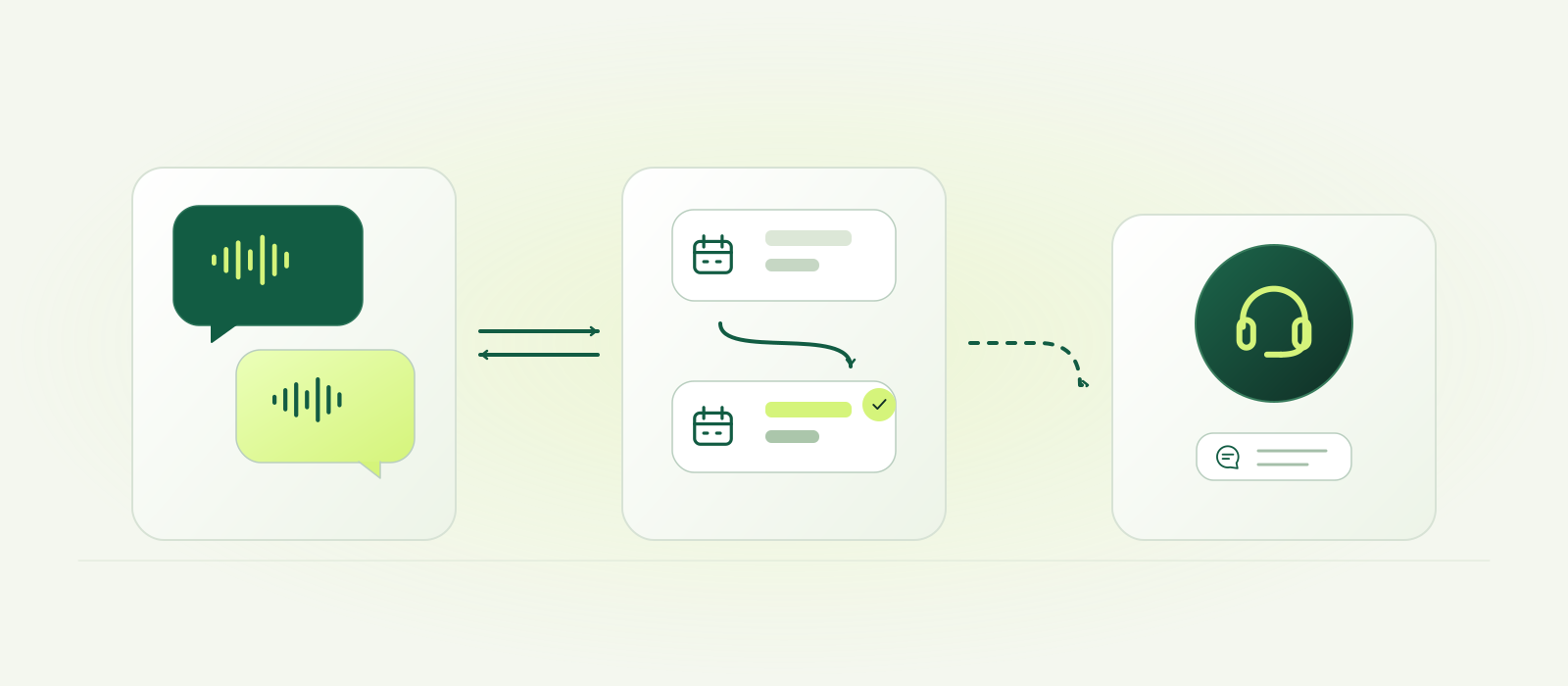
- Dialect and vocabulary
- Correction
- Fallback
Use these checks as demonstration requirements. They describe evidence to request, not a claim that every integration or configuration is already included. Agree the owner, scope and acceptance result before rollout.
Make the capability testable.
Native reviewers test local names, dates, amounts, interruption and Arabic-English switching. Score the business result separately from how natural the voice sounds.
Use these checks as demonstration requirements. They describe evidence to request, not a claim that every integration or configuration is already included. Agree the owner, scope and acceptance result before rollout.
Bring your plan to the team.
Copy the selected tests into your demo request. The relevant product interest is preselected; your checklist is not sent automatically.
Questions to bring to your demonstration
Can I hear Arabic examples?
Yes. The demo area includes a published Arabic sample from DialerBee. The caller and business are fictional; the sample is an illustration of the voice workflow, not a customer endorsement.
Does the browser demo cover every dialect?
The public demo offers selected scenarios and languages. Arrange a guided session for Gulf dialects or your own business scenario.