

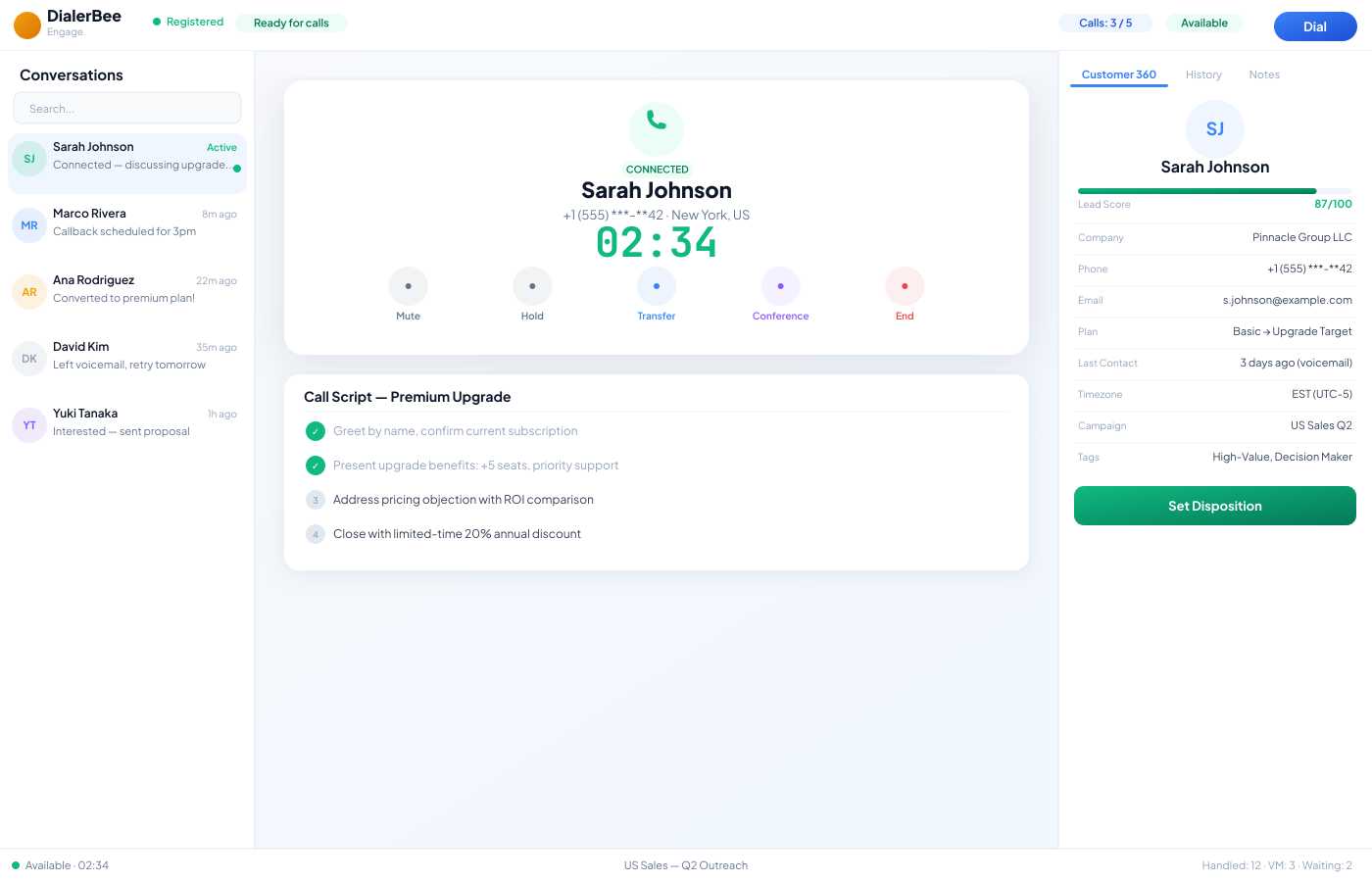
DialerBee’s omnichannel inbox brings voice, WhatsApp, SMS and email threads into an agent workspace with assignment and customer context. Connecting each channel and external system requires the appropriate accounts, configuration and agreed integration scope.
A shared inbox needs a shared operating model
An omnichannel interface is useful only when your team agrees who owns each conversation. Define assignment, status, priority, escalation and closing rules. Decide what happens when a customer follows a call with a WhatsApp message or an email, and make sure the next person can understand the previous interaction.

Begin with the channels your customers already use
Map real customer journeys before adding channels. Voice may suit a complex explanation; a message can confirm an appointment; email can carry documents. DialerBee describes a unified inbox, customer history and dispositions. Validate how identity matching works when a person uses more than one number or email address.
Integrations should be demonstrated as actions
A CRM logo does not establish a complete integration. Test lookup, screen-pop, note writing, disposition changes and retry behavior using your own workflow. Confirm what is native, what uses an API or webhook and what requires scoped engineering. Document responsibility when an external system is unavailable.
Measure resolution across the entire journey
Channel-specific response metrics are useful, but they can hide repeated work. Track how often a customer switches channels, repeats information or reopens the same issue. Review first-contact resolution with a defined cross-channel observation window and a consistent case identity.
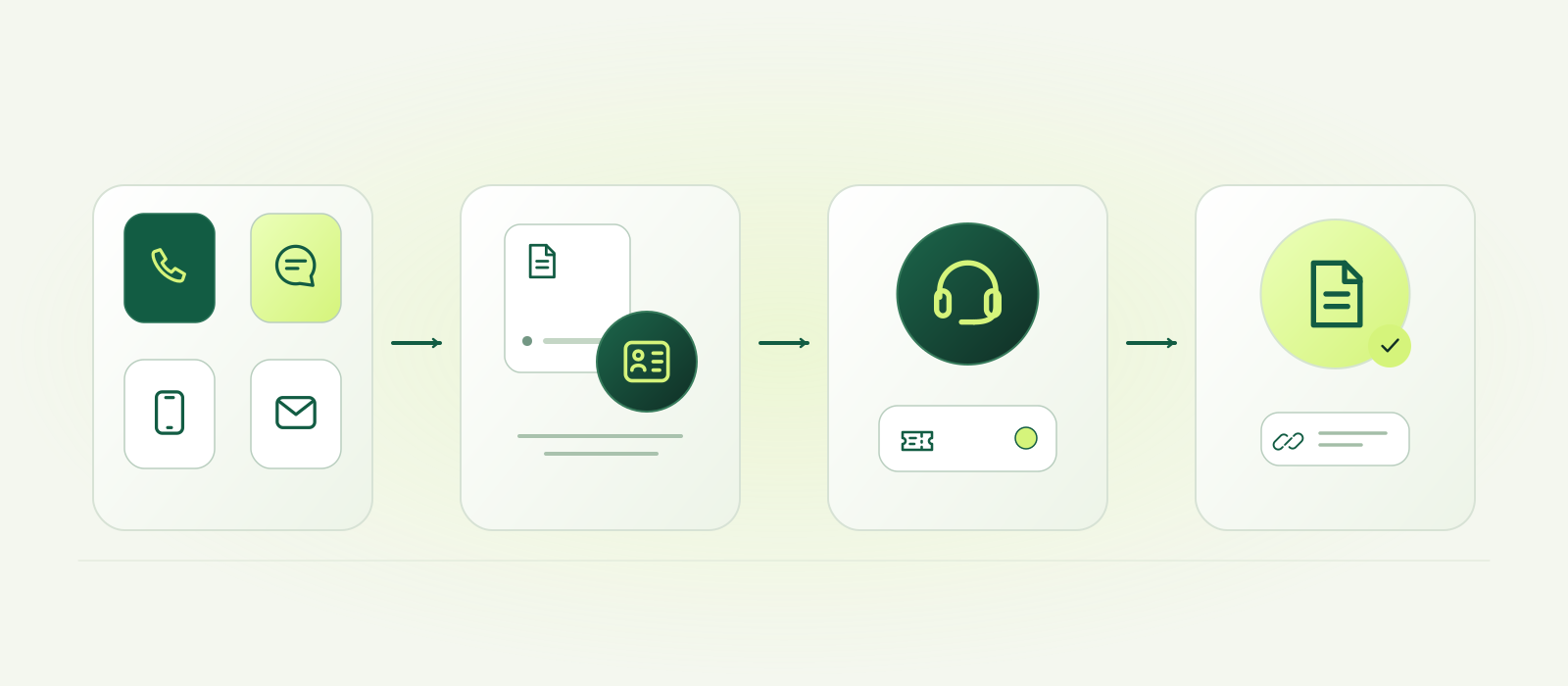
- Channels
- Identity
- Ownership
- Completion
Use these checks as demonstration requirements. They describe evidence to request, not a claim that every integration or configuration is already included. Agree the owner, scope and acceptance result before rollout.
Make the capability testable.
One fictional customer calls, sends a WhatsApp message and later emails a supporting document. The team should resolve the issue without rebuilding the story in three separate queues.
Use these checks as demonstration requirements. They describe evidence to request, not a claim that every integration or configuration is already included. Agree the owner, scope and acceptance result before rollout.
Bring your plan to the team.
Copy the selected tests into your demo request. The relevant product interest is preselected; your checklist is not sent automatically.
Questions to bring to your demonstration
Are channel charges included?
Platform pricing and messaging or carrier charges are separate considerations. Confirm WhatsApp, SMS, number and provider charges for your accounts and destinations.
Does every CRM have a native connector?
Do not assume that. The integration scope, actions and error handling should be confirmed for your particular CRM and plan.