

An inbound contact center routes incoming calls to the right queue, person, IVR or AI workflow. DialerBee combines DID routing, ACD queues, business-hour controls, agent desktops and reporting; exact capabilities depend on the selected plan.
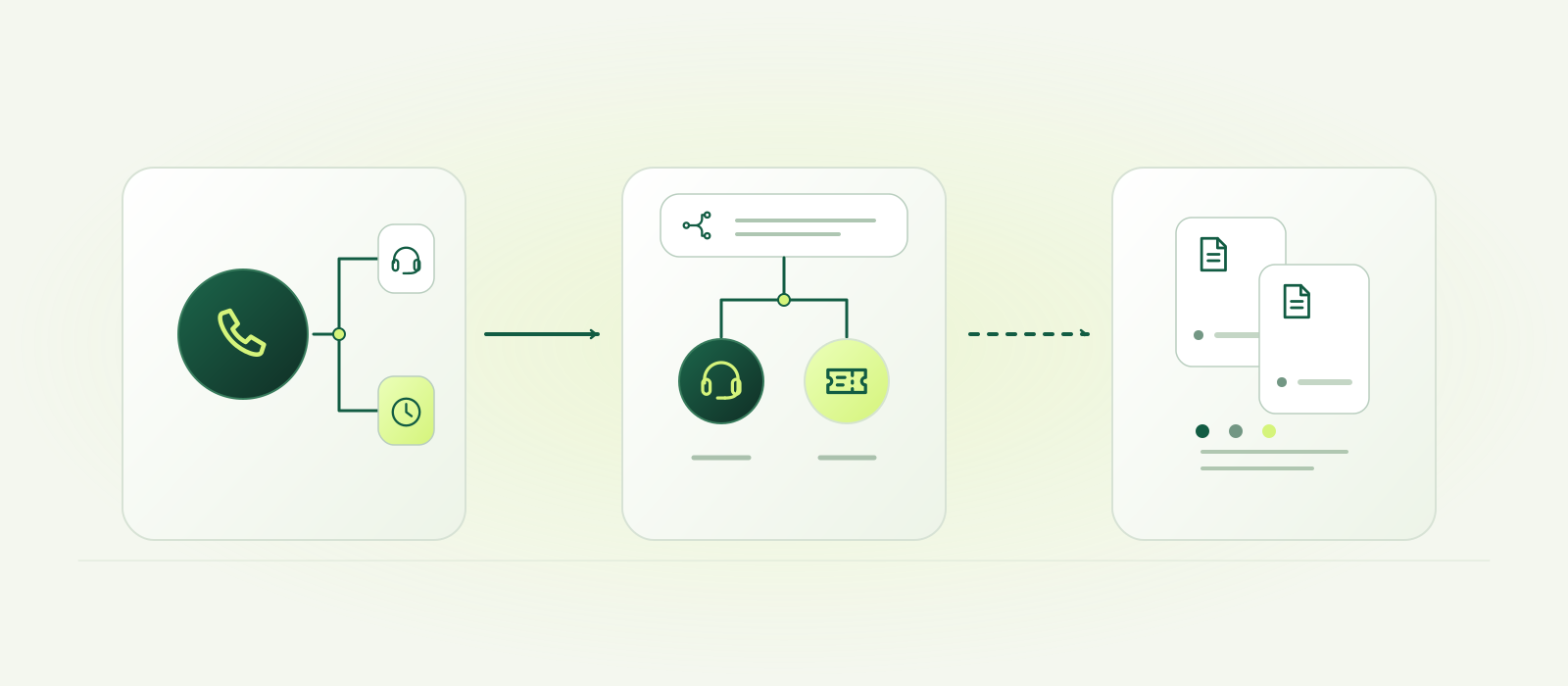
Design the path before configuring the queue
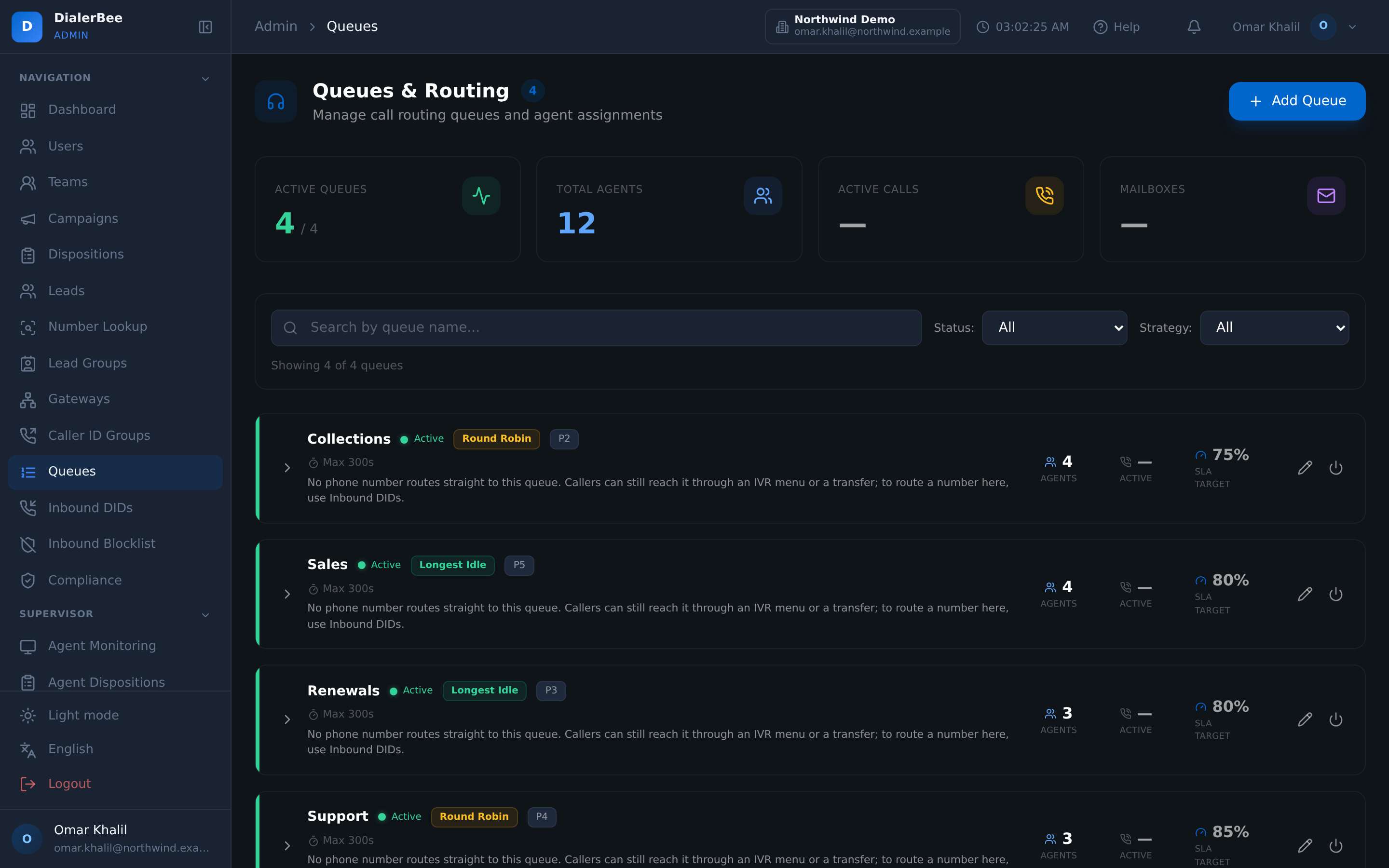
List the main reasons customers contact you. For each one, identify the person or team that can resolve it, the information they need and the fallback when they are unavailable. DialerBee’s published inbound capabilities include queues, routing priorities, maximum waits, wrap-up time and announcements. Translate those controls into a clear customer journey.

Connect numbers to real destinations
A number is only useful when its routing is predictable. Test each DID from outside the business, including caller identification, the opening message, the destination queue and the route used outside business hours. Document holiday rules and confirm how emergency changes are approved.
Staff to the pattern, not the daily average
A daily total can hide a difficult morning peak. Forecast arrivals and handling time by interval, then account for shrinkage, occupancy and skill coverage. The free Erlang C tool provides a transparent first estimate for a stable single-skill queue; it does not replace a real scheduling process.
Judge the whole customer outcome
Monitor answer time, abandonment, first-contact resolution and customer feedback together. A fast answer followed by repeated transfers may be worse than a slightly longer wait with a clear resolution. Review recordings and queue exceptions to understand the reason behind the numbers.
- Routing
- Overflow
- Reporting
Use these checks as demonstration requirements. They describe evidence to request, not a claim that every integration or configuration is already included. Agree the owner, scope and acceptance result before rollout.
Make the capability testable.
A busy-hour caller reaches the support number when the usual skill group is unavailable. Test the whole journey from the first announcement to its final owner.
Use these checks as demonstration requirements. They describe evidence to request, not a claim that every integration or configuration is already included. Agree the owner, scope and acceptance result before rollout.
Bring your plan to the team.
Copy the selected tests into your demo request. The relevant product interest is preselected; your checklist is not sent automatically.
Questions to bring to your demonstration
Can existing numbers be retained?
DialerBee supports using your own SIP carrier or PBX. Number retention depends on your carrier and routing arrangement; validate the exact setup before a migration.
Can calls move between AI and people?
The product describes human handoff from AI conversations. Demonstrate the exact transfer destination, context and no-agent fallback for your workflow.