

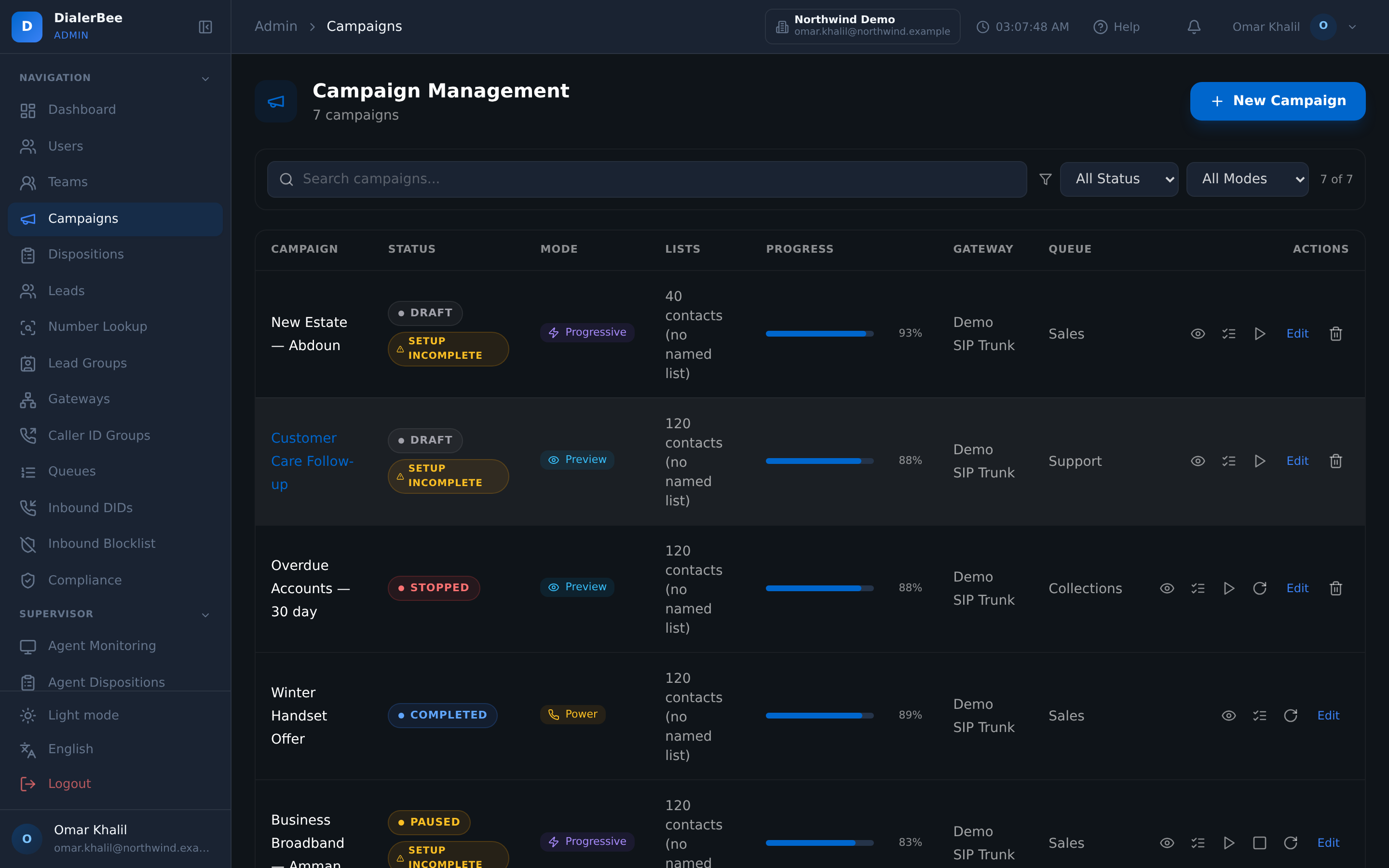
DialerBee advertises preview, progressive, power and predictive dialing for agent-operated campaigns, with availability varying by plan. Choose a mode based on workflow, agent readiness and customer experience, and validate the controls before increasing volume.
Choose the mode from the task
Preview gives an agent time to inspect a record before calling. Progressive dialing starts the next call when an agent is ready. Power and predictive approaches change pacing and can suit different workloads, but they need careful supervision. DialerBee’s Starter tier includes preview and power; Professional lists all four modes.

A productive campaign needs clean inputs
A good campaign begins with a reliable contact list, a defined purpose, appropriate permissions, suppression rules and a consistent disposition scheme. Remove duplicate records, check recipient time zones and document what a callback request means. Volume cannot compensate for poor inputs or unclear ownership.
Measure live conversations and their outcomes
Track attempts, connections, useful conversations, callbacks, resolutions and exceptions separately. A rising attempt count is not proof of a better campaign. Review calls and tune the operation against agent availability, recipient experience and the applicable requirements for the places you call.
Keep AI campaigns and agent dialing distinct
The current product distinguishes existing human-agent campaigns from autonomous AI list campaigns, which are described as coming soon. If you need an AI to call an entire list without a person, ask for explicit availability and a scenario demonstration before including it in procurement.
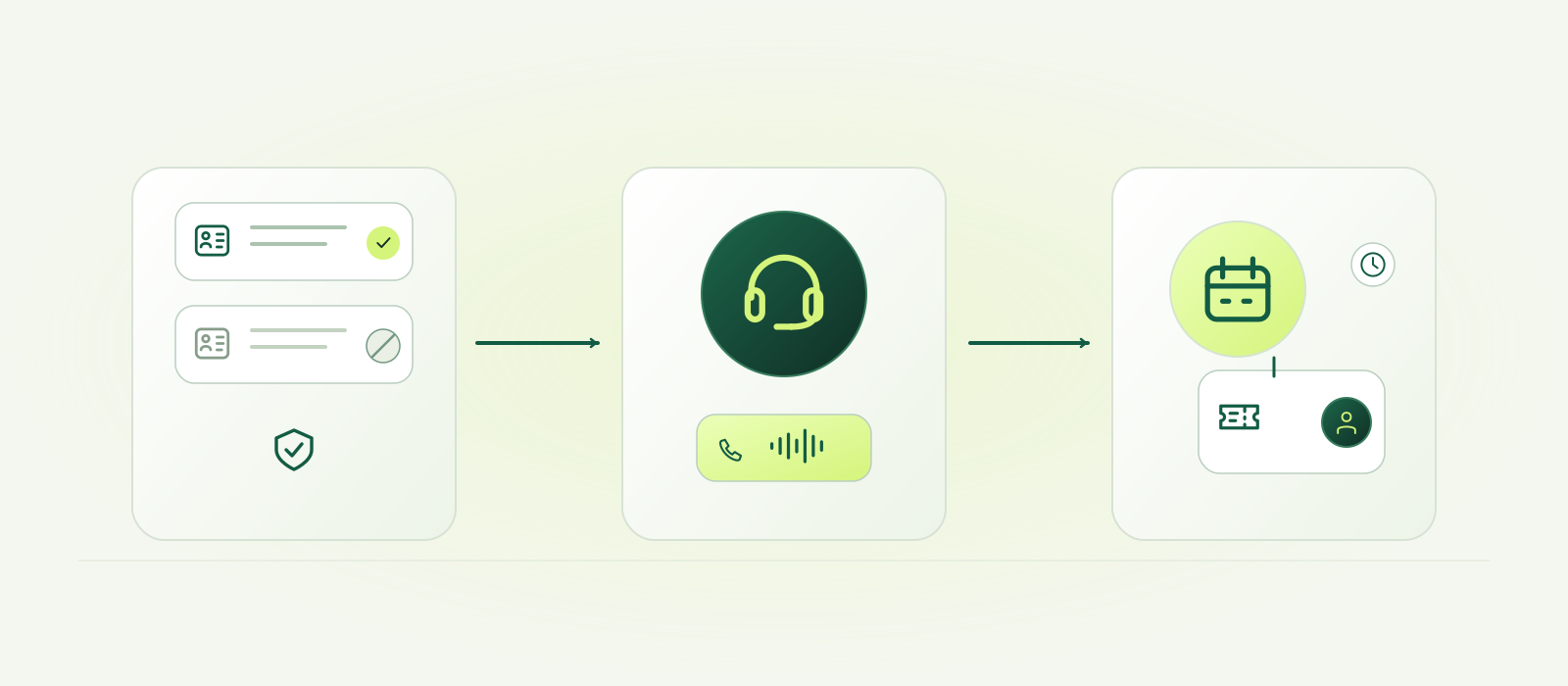
- Eligibility
- Connected call
- Follow-up
Use these checks as demonstration requirements. They describe evidence to request, not a claim that every integration or configuration is already included. Agree the owner, scope and acceptance result before rollout.
Make the capability testable.
A human agent follows up with an eligible contact, records a disposition and schedules the next agreed step. Repeat the test with a suppressed contact and a no-answer outcome.
Use these checks as demonstration requirements. They describe evidence to request, not a claim that every integration or configuration is already included. Agree the owner, scope and acceptance result before rollout.
Bring your plan to the team.
Copy the selected tests into your demo request. The relevant product interest is preselected; your checklist is not sent automatically.
Questions to bring to your demonstration
Which plan includes predictive dialing?
The published Professional tier includes all four dialing modes. Confirm plan limits, setup and permitted use with the team.
Does this website place calls?
No. The free campaign planner models workload. Actual calling takes place in your configured DialerBee environment on your connected carrier or phone system.