
Responsible outbound calling: controls to put in place before launch
Build an outbound operating process with approved contact sources, suppression, time-zone handling, caller ID, retry limits and reviewable evidence.
Read the guide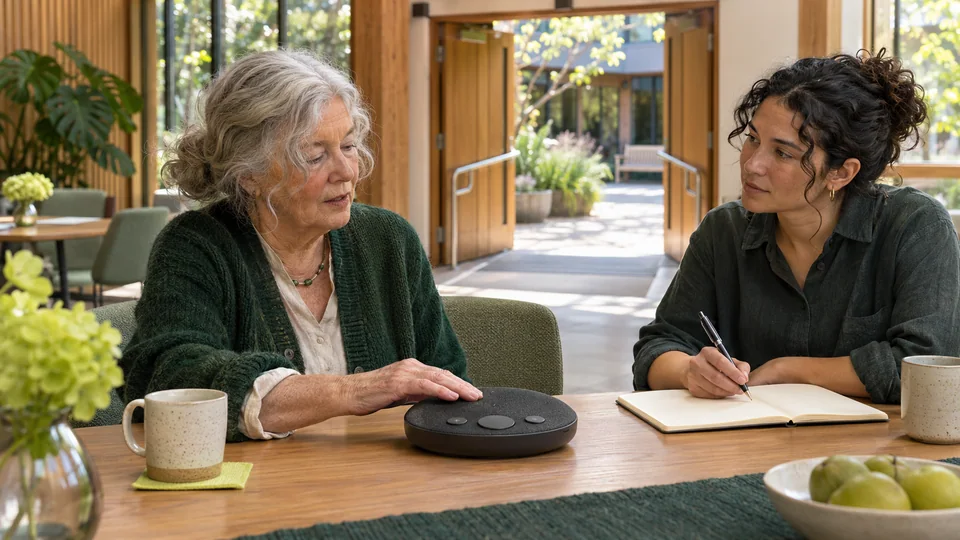
Review prompt clarity, input timing, repetition and alternative access without claiming a universal accessibility certification.
An accessible IVR design gives callers understandable choices, enough opportunity to respond and a useful route when input fails. Test slower responses, repeated prompts, keypad and speech alternatives where supported, and a human path. Accessibility is a continuing evaluation of real journeys, not a checkbox based on short menus.
Part of our guide: Contact center software
Review what a caller must hear, remember, say or press to complete each important task. Long menus, unexplained jargon, tight input timing and voice-only answers can create different barriers. Involve people who represent relevant needs when practical and use approved test scenarios. Do not infer that a successful call by a fast, fluent staff member establishes suitability for every customer or assistive arrangement.
Use familiar intent descriptions and state the action near its choice. Give callers a way to hear information again through the supported flow. Avoid several options that sound almost identical, and do not require remembering a long reference while listening to another instruction. Test language-specific wording rather than translating word for word. The aim is a task people can follow, not simply a prompt that fits into an arbitrary number of seconds.
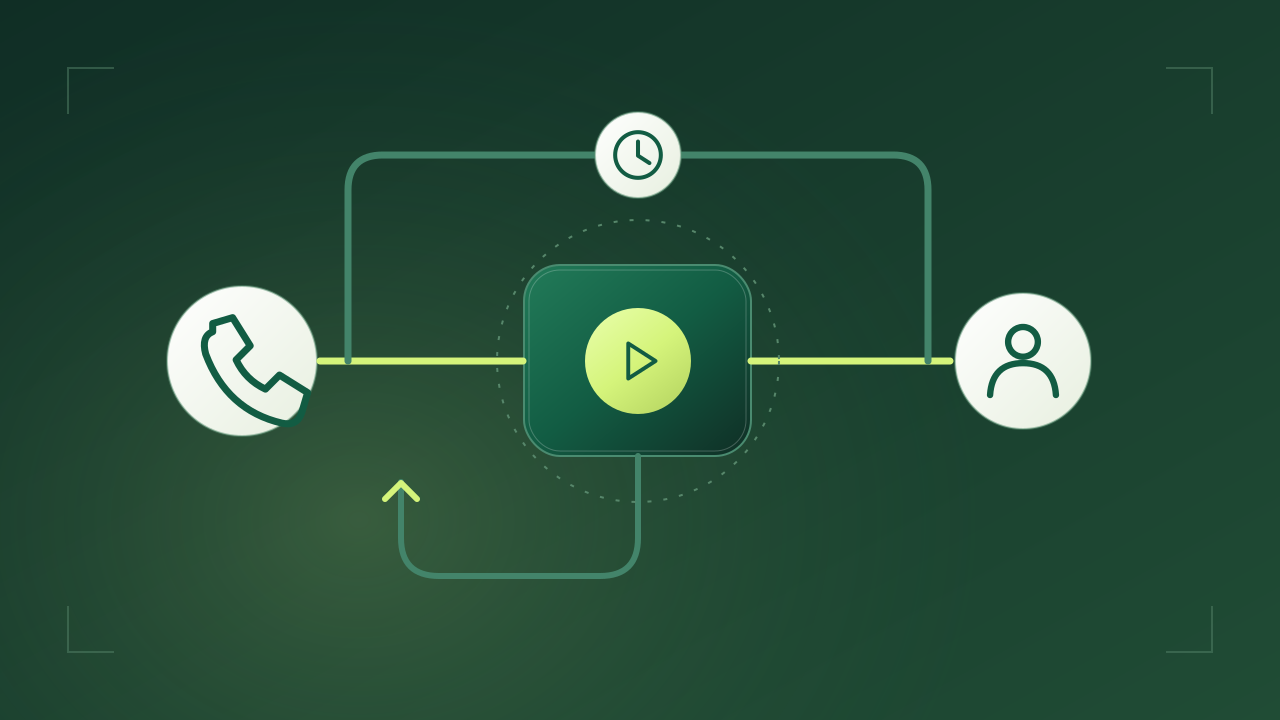
Test real listening, timing and recovery barriers.
Silence and an unrecognised response are different conditions. VoiceXML’s dialog model distinguishes these events, illustrating why a useful retry should respond to what happened. A caller who needs more time may benefit from a repeated or clearer prompt; an invalid choice may need an explanation. Define bounded retries and an alternative outcome. Replaying the same long menu indefinitely does not make the route more accessible.
In an illustrative booking service, a caller needs to repeat the date options and enters a key slowly after the prompt. Test whether the flow accepts the supported input, explains any timeout and preserves context during a human transfer. The expected result is a useful next step rather than forcing the caller back to the beginning. Use fixture dates and records so the exercise cannot accidentally create a real appointment.
Check keypad versus speech where both are offered, correction of an accidental selection and requests for a person. Inspect what happens when the human destination is closed. Ask the supplier about any required accessibility integration instead of assuming it exists from the IVR feature name. Review the web or messaging alternative too: offering another channel only helps if the caller can use it and the team actually owns its requests.
Keep the tested needs, devices, languages and flow version with the results. Use complaints, repeated input failures and transfers as signals for review, while recognising that event counts alone do not explain the barrier. DialerBee publishes a visual IVR builder, but each accessibility requirement needs scenario evidence. Do not label the telephone service compliant with a web standard solely because a related website passed a few checks. Maintain an honest scope of what was evaluated.
Ask a reviewer to complete the journey without seeing the diagram or reading a transcript. This reveals instructions the designer assumed were obvious from the screen. Record the point of confusion, then retest the revised prompt with someone who did not hear the earlier explanation.
No. Wording, timing, input options and recovery can matter as much as the number of choices.
Do not assume so. Evaluate the relevant telephone journey and any applicable requirements with the responsible specialists.
Prepared by the ContactCenter.me editorial team, a BroadNet resource powered by DialerBee. Product statements reflect the linked documentation checked 2026-11-25. Operational examples are planning guidance. Read our editorial standards and commercial disclosure.
Build a weighted quality scorecard and export a reusable review template.
Track the practical work needed before moving queues, numbers, agents and workflows.

Build an outbound operating process with approved contact sources, suppression, time-zone handling, caller ID, retry limits and reviewable evidence.
Read the guide
Evaluate caller ID as a complete operational process rather than a number displayed on an outbound call.
Read the guide
Test keypad digits through real trunks, transfers and menus without confusing audible tones with detected input.
Read the guideExplore your requirements with a DialerBee specialist. Bring your workflows, your carrier, and your questions.