
Give your AI knowledge base an owner, a version and an expiry review
Manage approved answers, conflicting documents, effective dates and rollback before changing what a voice agent knows.
Read the guide
Define escalation triggers, context transfer, queue behaviour and fallback ownership so an AI voice agent can hand over responsibly.
An AI handoff should connect the caller to the right person with enough verified context to continue. Define escalation triggers, transfer destinations, fallback behaviour and ownership before launch. Judge success by whether the customer gets a useful next step, not merely whether the system initiated a transfer.
Part of our guide: What is an AI contact center?
List the tasks the agent may complete, the information it can provide and the actions that require a person. Boundaries can depend on identity verification, the value of a commitment, the sensitivity of a request or the reliability of an integration. A fluent conversation should not expand those permissions.
Translate boundaries into testable escalation triggers. Examples include a direct request for a person, repeated misunderstanding, missing approved information, an unavailable system or a request outside scope. Do not depend on a single sentiment label to identify every difficult case. A calm caller can raise a serious issue, and a frustrated caller may still have a simple request.
Map each escalation reason to a queue or responsible role. A billing specialist, a booking coordinator and a general support agent may need different context and permissions. Define what happens when the relevant team is closed, busy or unavailable, and who owns a request that becomes a callback.
Specify whether the AI remains involved while the transfer connects and what the caller hears. A transfer attempt is not a completed handoff. Monitor answer, rejection, timeout and disconnect outcomes separately. If a queue rejects the call or the caller leaves, the system should record the result and follow your approved next step rather than silently marking the issue complete.
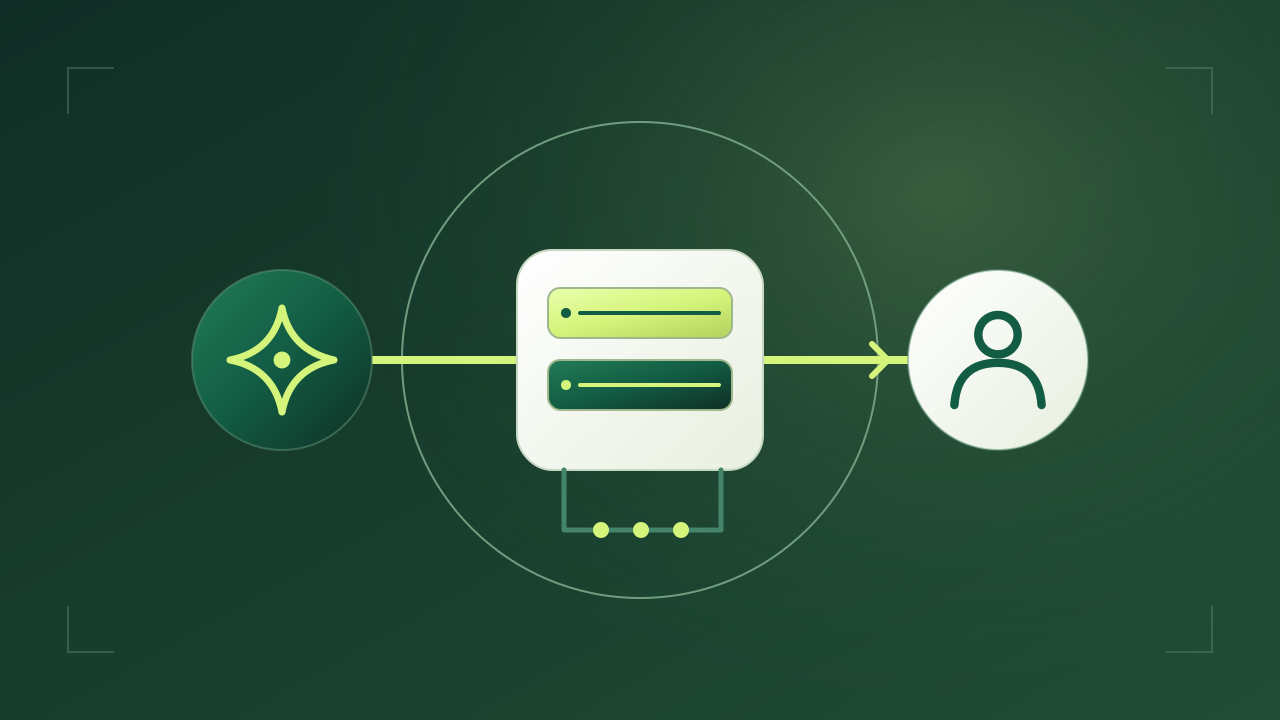
Make AI authority and escalation triggers explicit.
A handoff packet should identify the reason for contact, the caller's stated objective, relevant verified identity information, actions already attempted and any promises made. Include the customer's preferred language and the specific question the next person must resolve. Keep sensitive information limited to what the receiving role needs.
Distinguish facts from inference. A name supplied by the caller is not necessarily verified identity. An AI summary that says payment failed should identify whether that was confirmed by a system or reported by the customer. Let the receiving agent inspect the underlying conversation where appropriate. A concise summary is helpful only if its confidence and source are understandable.
Tell the caller why a person is needed and what will happen next. Preserve their place where the system can support it, give an honest description of expected waiting behaviour and avoid promising an immediate answer when no agent is available. If you offer a callback, confirm the details and explain whether it is a request or a booked commitment.
Test corrections during the transition. The caller may change the callback number, explain that the issue is urgent or switch language. Decide which changes the AI may accept and which require review. The transition should be designed as part of the conversation, with a useful outcome even when a live connection cannot be completed.
Run scenarios in which the queue is closed, every agent is occupied, the CRM times out and a transfer drops. Have the receiving agent verify the context in each case. Check that abandoned transfers and incomplete callback requests remain visible to supervisors rather than being lost between systems.
Test an emergency stop process with authorised staff and sample calls. Define who can disable an agent, revert a configuration or move traffic back to an established route. Review recordings and transcripts under your approved access and retention policy. Operational safety depends on these practical actions, not only on a written statement that a human is always available.
Track transfer attempts, answered transfers, callers who disconnect, callbacks completed and repeated explanations. Review cases where a person received too little context and cases where the AI should have escalated sooner. Avoid treating every handoff as a failure: some are the correct outcome for the customer's needs.
DialerBee describes AI voice, human contact-center routing and recorded outcomes on the same platform. Its published capabilities still need to be demonstrated with your destinations, opening hours and escalation rules. Start with a controlled scope, review exceptions and expand only when the people receiving handoffs trust the context they get.
No. It can indicate successful automation or missed escalation. Inspect task completion, repeated contacts and sampled conversations.
Use an approved fallback such as a clear queue, an owned callback request or an alternative channel, with an accurate explanation to the caller.
Prepared by the ContactCenter.me editorial team, a BroadNet resource powered by DialerBee. Product statements reflect the linked documentation checked 2026-11-25. Operational examples are planning guidance. Read our editorial standards and commercial disclosure.
Check whether your knowledge, escalation, testing and operational ownership are ready for an AI pilot.
Build a weighted quality scorecard and export a reusable review template.
Calculate your service level with an explicit short-abandon exclusion policy.

Manage approved answers, conflicting documents, effective dates and rollback before changing what a voice agent knows.
Read the guide
A practical Arabic voice-agent acceptance test covering dialects, mixed-language details, interruption, accurate answers and human handoff.
Read the guide
Evaluate invented prices, unsupported services, conflicting knowledge and false action confirmations with labelled expected outcomes.
Read the guideExplore your requirements with a DialerBee specialist. Bring your workflows, your carrier, and your questions.