
A contact-center RFP that asks for evidence, not checkmarks
Build a practical RFP covering real journeys, deployment, security, integrations, complete pricing, pilot acceptance and exit requirements.
Read the guide
Define canonical identifiers, ambiguous matches, corrections and system ownership before synchronising contact histories.
CRM matching needs a clear identity model, an authoritative record and a safe route for ambiguous results. A phone-number or email match is evidence to evaluate, not automatic proof of the person’s identity. Test duplicate, shared and changed details before allowing a contact-center workflow to merge records or expose history.
Part of our guide: Contact center software
Decide whether the workflow concerns a person, an organisation, a household or a case. Identify the stable CRM identifier and how channel details link to it. A shared switchboard number cannot reliably distinguish everyone at a company. Document normalisation rules for phone and email values without assuming formatting makes two records the same person. Keep source values where necessary for correction and explain which system owns updates.
Specify what an agent sees when a lookup returns no record or several candidates. Decide who may select, create, merge or separate records and what verification is required for the task. Avoid automatic disclosure of an entire history merely because one field matched. A useful screen-pop should distinguish confident linkage from a candidate suggestion. Missing data is a workflow state that needs an owner, not a reason to invent an identity.
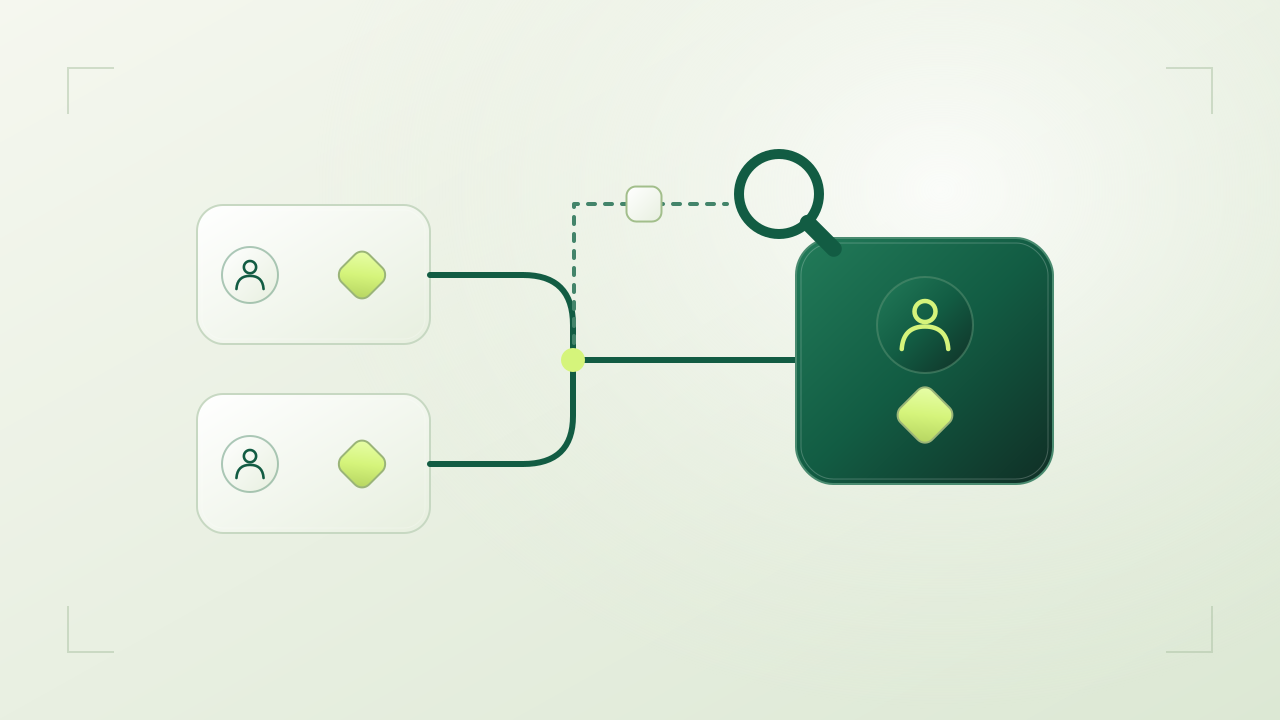
Define whether the record represents a person, company or case.
A fictional supplier has two employees calling through one office number. One asks about an order and the other about a separate account. A phone-only match points to the same company but does not determine the individual or case. Test what additional approved information resolves the request. Do not combine the two employees’ private history simply to achieve a single customer view. The example is a fixture for design, not a real data incident.
Write the exact lookup, screen-pop, note, disposition and contact-update operations needed. State direction, fields, failure handling and permissions for each. DialerBee describes Customer 360 and integration paths, but a visible CRM page or familiar system name does not establish every two-way action. Confirm whether the intended workflow is native, API-based or scoped integration work. Include the consequences when one system accepts a change and the other does not.
Use authorised sample records for a changed number, duplicate email, mistaken merge and delayed update. Correct the association and inspect earlier conversation links. Simulate an integration retry to see whether it duplicates a contact or overwrites a newer value. Do not use timestamp ordering alone without understanding its source. Keep an audit trail appropriate to the workflow so a supervisor can reconstruct why the association changed and which records were affected.
Start with read-only candidate lookup or another limited action if uncertain matching could create serious confusion. Expand write actions after their evidence and rollback are understood. Monitor unmatched, ambiguous and manually corrected cases rather than reporting only a high match rate. A low-friction match is not automatically a correct match. Revisit the model as new channels or customer types are added, and keep identity verification separate from convenience of navigation.
Test an account that has been intentionally split into two records after an earlier mistaken merge. Check which conversations remain linked and who may correct them. This protects against an apparently helpful synchronisation job recreating the old merge because it still trusts an obsolete mapping.
No. Shared, changed and reused contact details require an approved verification process appropriate to the task.
It can display a system, but does not establish two-way field updates, failure recovery or correct identity association.
Prepared by the ContactCenter.me editorial team, a BroadNet resource powered by DialerBee. Product statements reflect the linked documentation checked 2026-11-25. Operational examples are planning guidance. Read our editorial standards and commercial disclosure.
Create a practical requirements brief for your contact center software evaluation.
Get a suggested DialerBee demonstration agenda based on how your team works.
Track the practical work needed before moving queues, numbers, agents and workflows.

Build a practical RFP covering real journeys, deployment, security, integrations, complete pricing, pilot acceptance and exit requirements.
Read the guide
Assign decisions, execution and evidence across carrier, platform, CRM, operations and security workstreams.
Read the guide
Understand the difference between call centers and contact centers, then map channels, ownership and reporting to your actual customer journeys.
Read the guideExplore your requirements with a DialerBee specialist. Bring your workflows, your carrier, and your questions.