
Queue overflow: add a useful destination without creating a loop
Design overflow triggers, skills, announcements and ownership so busy queues still give callers a clear next step.
Read the guide
Separate required capabilities from preferences, then test waiting, fallback and agent-state changes with realistic cases.
Skills-based routing first determines which agents are eligible to handle a contact, then chooses among them using the supported rules. Define required languages, knowledge and permissions separately from preferences. Test unavailable skills and fallback behaviour so a routing rule does not strand callers or send sensitive work to an unsuitable agent.
Part of our guide: Contact center software
For each important enquiry, list what a person must know, which systems they need and what actions they are authorised to take. A product specialist may be able to explain a fault but lack permission to change an account. A bilingual agent may not have training for every task. Avoid treating a skill label as evidence of competence. Assign a business owner to approve eligibility and review it when duties change.
Identify requirements that cannot be relaxed and preferences that may be softened after an approved wait. A requested language, specialist knowledge or client access can have different importance depending on the case. Write down who can approve a fallback. Confirm the platform’s exact matching and priority behaviour. A generic statement that skills routing exists does not establish weighted proficiency, automatic relaxation or every possible rule combination.
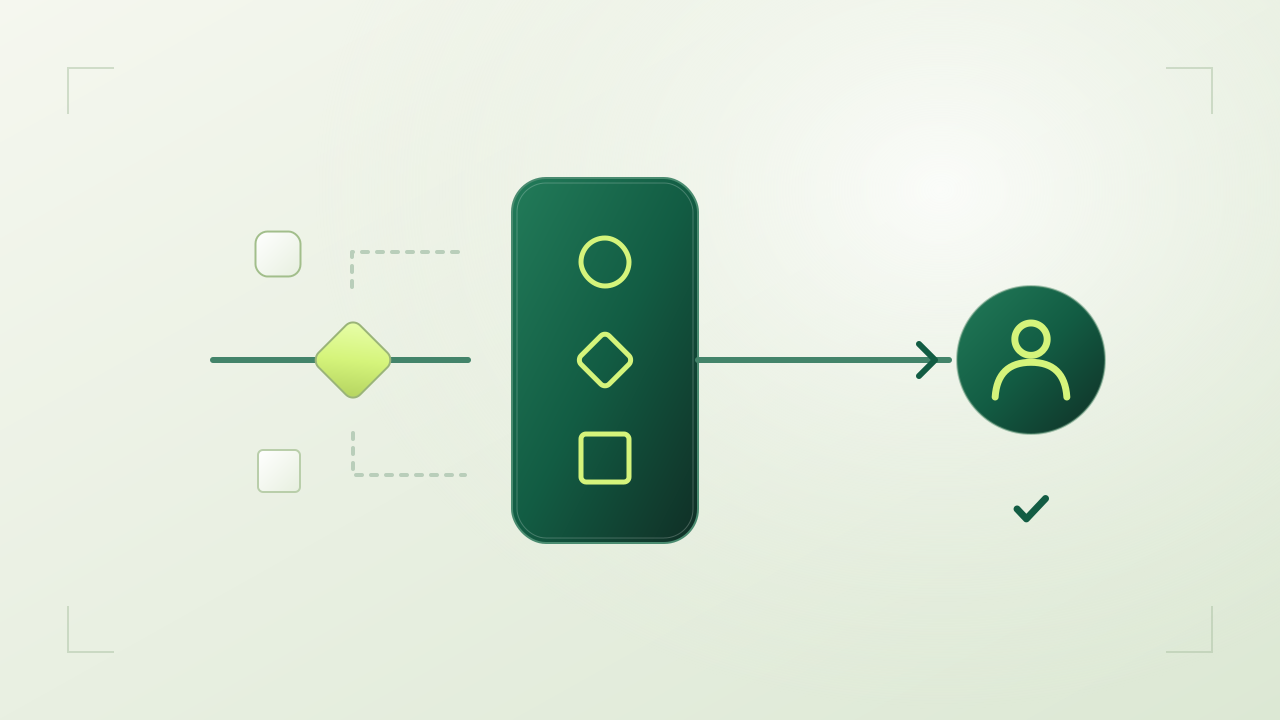
Define required knowledge, language and permissions separately.
A fictional customer needs Arabic support for a technical account change. One available agent speaks Arabic but cannot make the change; another authorised specialist is occupied. Test the planned outcome. It may be an approved triage step, a specialist queue or an owned callback. Do not call the match successful merely because the first agent speaks the language. The customer’s actual task and permissions remain part of eligibility.
Define how breaks, meetings, callbacks and other queues affect routability. A person can be logged in without being ready for this contact. Test an eligible agent changing state while a call waits and another becoming available after the initial routing decision. Check whether the same agent is shared across clients or channels. Routing may be correct while capacity assumptions are wrong, so inspect the staffing effect instead of blaming every wait on matching logic.
Create authorised fixtures with an unknown intent, missing language, obsolete skill assignment and an unavailable qualified team. Verify the safe route and how a supervisor sees the exception. Test an agent who has lost permission but still appears in an old skill group. Require a useful explanation or next action for callers rather than an endless waiting path. Keep corrections to customer or agent metadata auditable under your operating process.
Compare waiting and repeat contacts by enquiry type and required capability, using sufficient context to avoid misleading averages. A small specialist group can be hidden inside an acceptable overall service level. DialerBee’s inbound material discusses configurable routing; demonstrate the specific eligibility and fallback design before relying on it. Review skill ownership and training regularly. Adding more labels will not resolve a genuine shortage of qualified, authorised people.
Add an expiry review for temporary skill assignments, such as training coverage or a short client rotation. Test removal with sample work and inspect queued contacts that were matched earlier. A roster change should not leave an agent receiving tasks whose authority or training has ended.
Not necessarily. Test the configured routable states and competing work in the actual deployment.
Only through an approved rule that remains suitable for the task. Some permissions or expertise requirements cannot safely be substituted.
Prepared by the ContactCenter.me editorial team, a BroadNet resource powered by DialerBee. Product statements reflect the linked documentation checked 2026-11-25. Operational examples are planning guidance. Read our editorial standards and commercial disclosure.
Turn expected daily workload, productive hours and shrinkage into a simple staffing baseline.
Estimate the agents needed to meet a queue service-level target, with occupancy and shrinkage included.
Get a suggested DialerBee demonstration agenda based on how your team works.

Design overflow triggers, skills, announcements and ownership so busy queues still give callers a clear next step.
Read the guide
Understand how call arrivals, handle time, queueing assumptions and shrinkage turn into an interval staffing plan.
Read the guide
Make schedules, local time, temporary closures and reopened service behave predictably for callers and staff.
Read the guideExplore your requirements with a DialerBee specialist. Bring your workflows, your carrier, and your questions.